 VPSUForm
7+ Best Instagram WordPress Plugins to Boost Social Reach
Your Instagram is probably getting more engagement than your blog. So why not show it on your website? A live Instagram feed does three things: it proves you're active (social proof), it keeps your site looking fresh without you uploading new content, and it gives visitors a reason to stick around and follow you on Instagram.
The tricky part is picking the right plugin. Some are bloated and slow your site down. Some have setup processes that break constantly. Some have pricing that jumps from free to $200/year with nothing in between. Here are the 7+ that actually work, why each one is useful for different situations, and honest notes about what they cost and what they don't do well.
1. Instagram Feed Pro by Smash Balloon — Most Popular (Best Overall)
Smash Balloon's Instagram Feed Pro is what comes to mind when people say "Instagram plugin for WordPress." It powers over 1 million sites, has a 4.8/5 rating on WordPress.org, and there's a reason: it just works. Install it, connect your Instagram account, pick a layout, done. The feed updates automatically when you post on Instagram.
What it does: Displays user feeds, hashtag feeds, tagged posts, Stories, and Reels. Multiple layout options including masonry grid, carousel, and horizontal rows. Built-in image optimization so the feed doesn't slow your site down.
Pricing: Free version (limited features) on WordPress.org. Pro plans start at $49/year (1 site), $99/year for 5 sites, $149/year for 10 sites. All Access Bundle (includes all Smash Balloon plugins) is $299/year. Renewal pricing is significantly higher.
Pros: Most widely used means the largest community, most tutorials, most integrations with page builders. Built-in caching keeps the feed visible even if Instagram's API has issues. Shoppable feeds available (turn Instagram posts into direct product links for WooCommerce).
Cons: More complex settings interface than competitors, renewal pricing jumps significantly after year one, needs API reconnection occasionally.
Best for: Anyone who wants the most popular, most battle-tested option. Works with every page builder.
2. Spotlight — Best for Simplicity and User-Friendliness

If Smash Balloon feels like overkill, Spotlight is the easier choice. It has a cleaner interface, a live preview editor right in your WordPress dashboard, and a free version that covers most small business needs without forcing you to upgrade.
What it does: Displays Instagram feeds with grid layouts, adjustable sizing, sorting by date or popularity, and responsive design by default. Free version includes feed embedding and basic customization. Pro adds hashtag feeds, tagged posts, shoppable feeds, and detailed analytics.
Pricing: Free version available. Pro is $59/year (introductory) then higher at renewal, $99/year for advanced features like hashtag feeds and shoppable integration.
Pros: Genuinely easy to use (less settings confusion than Smash Balloon), multiple account connections, interactive preview editor, responsive by default.
Cons: smaller ecosystem than Smash Balloon, so fewer tutorials and third-party integrations, shoppable feeds locked behind higher pricing tier.
Best for: Beginners and small businesses who want visual simplicity and don't need a dozen customization options.
3. WPZOOM Instagram Widget — Best for Lightweight Performance
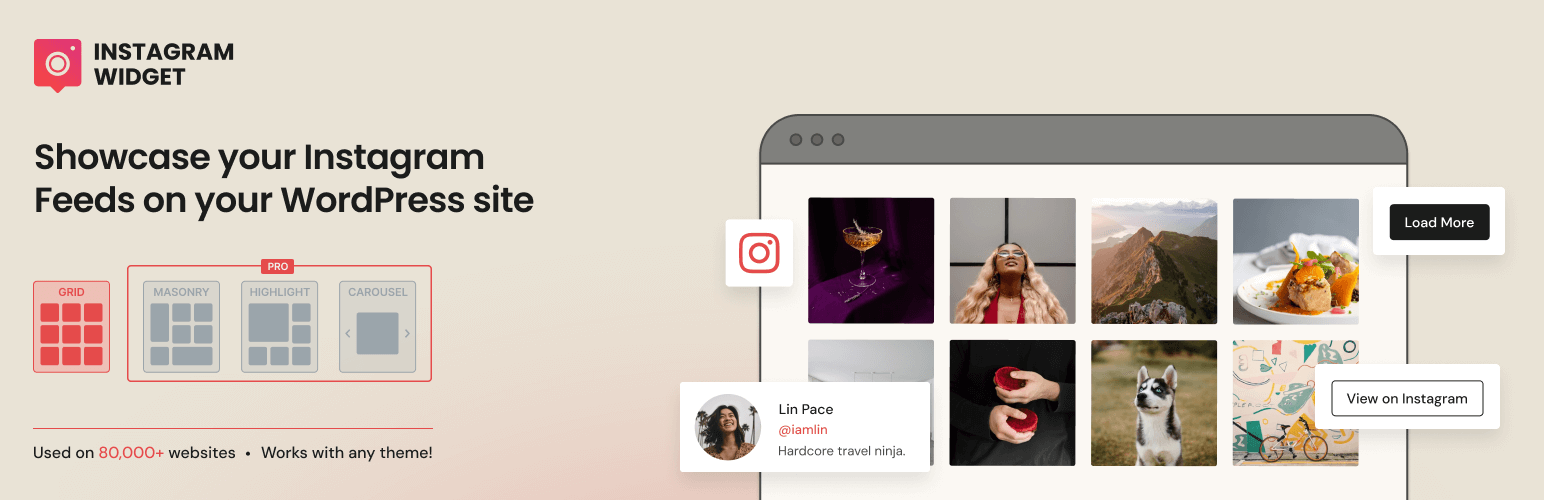
If page speed is your obsession, WPZOOM is built for you. It's lightweight, doesn't load unnecessary JavaScript, and emphasizes responsive design without bloat. Ideal for sites where every millisecond matters.
What it does: Displays Instagram feeds in a clean grid. Built-in Gutenberg and Elementor support. Caches images locally so they load faster. Minimal settings, minimal code.
Pricing: Free version on WordPress.org with core features. No premium tier mentioned — it's effectively free.
Pros: genuinely lightweight, local caching keeps images fast, Gutenberg and Elementor support built-in, completely free with no upsell pressure.
Cons: fewer customization options than Smash Balloon or Spotlight, no shoppable feeds, no advanced layout options.
Best for: Performance-conscious developers and agencies who want a feed without the bloat.
4. WP Social Ninja — Best for Multi-Platform Feeds

WP Social Ninja started as a reviews plugin (for Google and Facebook reviews) and evolved to support 30+ social platforms. If you need Instagram plus Facebook plus YouTube all in one plugin, this is the tool that handles it without juggling three separate plugins.
What it does: Displays feeds from Instagram, Facebook, YouTube, TikTok, Twitter/X, LinkedIn, and more. Responsive design, feed filtering, multiple layout options. Free version covers basics; Pro adds advanced analytics and customization.
Pricing: Free version available. Pro plans around $99/year (exact pricing varies by bundle).
Pros: one plugin for multiple social networks instead of separate Instagram/Facebook/YouTube plugins, active development, good support.
Cons: jack-of-all-trades approach means it doesn't specialize deeply in any one platform, so Instagram-specific features lag behind Smash Balloon.
Best for: Businesses running feeds from multiple social platforms who want a single admin interface instead of managing three plugins.
5. Easy Social Feed — Best Budget-Conscious All-in-One

Easy Social Feed offers Facebook, Instagram, YouTube, and Twitter feeds under one license. If you need multiple social platforms and want one invoice instead of three, the pricing is noticeably cheaper than buying Smash Balloon's individual plugins.
What it does: Aggregates Instagram, Facebook, YouTube, and X/Twitter feeds into a single dashboard. Responsive layouts, load more buttons, content filtering, GDPR consent integration.
Pricing: Free version available. Pro combo (all 4 networks) around $89/year, or $259 for a one-time lifetime license. Renewal at original prices, not inflated renewal rates like some competitors.
Pros: incredibly cheap for multi-platform feeds ($89/year for all four vs. $300+ for Smash Balloon equivalent), lifetime license option available, GDPR-friendly, no aggressive renewal pricing, actively developed (YouTube and TikTok support added in 2025–2026).
Cons: smaller user base means fewer tutorials, less third-party integrations, interface is functional but not as polished as Smash Balloon.
Best for: Budget-conscious users who need Instagram plus other social networks but don't want to spend $300+/year.
6. RafflePress — Best for Giveaways and Contests

RafflePress isn't technically an "Instagram feed" plugin, but it's the easiest way to run Instagram giveaways and sweepstakes on your WordPress site. If your goal is to grow your Instagram following by running a contest, this is the tool.
What it does: Creates giveaway entry forms with eligibility rules, requires users to follow your Instagram to enter, displays leaderboards, tracks entries and winners. Works with most email marketing platforms.
Pricing: Free version available. Pro plans start around $99/year for advanced features like entry limits and custom CSS.
Pros: visually modern, easy contest setup, integrates with major email platforms, built-in social entry rules (follow Instagram to enter).
Cons: not a feed display tool — this is for running contests, not showing your Instagram posts on your site. Only useful if giveaways are your marketing strategy.
Best for: Influencers and brands running regular giveaways to grow followers. If you just want to display your Instagram feed, use Smash Balloon or Spotlight instead.
7. Elfsight Instagram Feed — Best for Shoppable Feeds and E-Commerce
Elfsight is built on a different architecture than most WordPress plugins — it's a SaaS embed rather than a traditional WordPress plugin, which means more cloud-based setup but also more flexibility for e-commerce specific features.
What it does: Creates shoppable Instagram feeds where visitors can buy products directly from Instagram posts. Content moderation tools to filter posts that don't match your brand. Extensive color and layout customization options, pre-designed templates.
Pricing: Free basic embed. Pro plans start around $20/month (or roughly $240/year) for shoppable feeds and advanced analytics.
Pros: shoppable feed integration (turn Instagram posts into WooCommerce products), content moderation built-in, high degree of visual customization, pre-built templates reduce setup time.
Cons: SaaS embed model means less direct WordPress integration than traditional plugins, higher ongoing cost if you need Pro features, more complex setup than Smash Balloon.
Best for: E-commerce businesses and brands that want to sell directly from Instagram without redirecting to a product page. Fashion, beauty, home goods.
Quick Comparison Table
| Plugin | Best For | Pricing | Free Version | Multi-Platform | Shoppable Feeds |
|---|---|---|---|---|---|
| Smash Balloon | Most popular, most features | $49–299/yr | ✅ Limited | ❌ Instagram only | ✅ Pro tier |
| Spotlight | User-friendly, simple | $59–99/yr | ✅ Yes | ❌ Instagram only | ✅ Pro tier |
| WPZOOM | Performance-focused | Free | ✅ Full features | ❌ Instagram only | ❌ No |
| WP Social Ninja | Multiple social platforms | ~$99/yr | ✅ Yes | ✅ 30+ platforms | ❌ No |
| Easy Social Feed | Budget multi-platform | $89/yr or $259 lifetime | ✅ Yes | ✅ Facebook, YouTube, Twitter | ❌ No |
| RafflePress | Giveaways and contests | Free or $99/yr | ✅ Yes | ✅ Partial | ❌ Not applicable |
| Elfsight | E-commerce shoppable | Free or $20/mo | ✅ Basic | ❌ Instagram only | ✅ Yes |
How to Actually Pick One
If you want the safest, most supported option: Smash Balloon. Over 1 million sites use it. Every page builder works with it. Tutorials are everywhere. It's the "pick this if you're unsure" choice.
If you're a beginner and want simple: Spotlight or WPZOOM. Spotlight if you don't mind spending money for a cleaner interface. WPZOOM if you'd rather have free and lightweight.
If you need multiple social networks on one site: Easy Social Feed (cheapest), WP Social Ninja (more features), or Smash Balloon's All Access Bundle (most expensive but most established).
If you're running an e-commerce store: Elfsight if you want shoppable feeds. Smash Balloon + WooCommerce if you want more control and aren't as focused on direct buying from the feed.
If you're running a giveaway to grow followers: RafflePress. For regular feed display, ignore this one.
The Real Talk: Performance
Instagram feed plugins load images from Instagram's servers, so they add some page weight no matter which one you pick. The good news: most modern plugins cache images and lazy-load them, so the performance hit is minimal if you're on decent hosting.
WPZOOM is genuinely the fastest because it's the lightest. Smash Balloon and Spotlight are fast enough for 99% of sites. Elfsight (being a SaaS embed) is the slowest, but still acceptable for most uses.
If page speed is critical (which it should be for SEO), pair any of these with:
- A good caching plugin (WP Super Cache or WP Rocket)
- Image optimization (ShortPixel)
- A CDN (Cloudflare is free)
With those in place, an Instagram feed plugin shouldn't noticeably slow your site down.
FAQ
Do I need an Instagram plugin, or can I just embed a post?
Instagram's embed is inconsistent and doesn't auto-update. A plugin is better because it continuously pulls your latest posts without manual work.
Will the feed break if Instagram changes their API?
Instagram's API has been stable for years, but it can change. Good plugins (like Smash Balloon) have support teams that update quickly when Instagram makes changes. Bad plugins you buy once and abandon are more likely to break.
Can I display multiple Instagram accounts on one site?
Yes — most plugins (Smash Balloon, Spotlight, WP Social Ninja) let you connect multiple accounts and display different feeds on different pages.
Does an Instagram feed help my SEO?
Indirectly — more time on page and fresh content signals are good, but Instagram feeds aren't a direct ranking factor. Treat it as engagement and social proof, not an SEO tool.
What if my Instagram account is private?
Most feed plugins won't display private accounts — Instagram's API doesn't allow it. Keep your account public for the feed to work.
Final Recommendation
If you're unsure which to pick: start with Smash Balloon's free version. Install it, connect your Instagram, see if it does what you need. If yes, upgrade to Pro if you want more layout options. If no, switch to Spotlight or WPZOOM.
Most people stick with their first choice after trying it, so picking the most popular one (Smash Balloon) reduces the chance you'll need to swap it out later.
The real win isn't the plugin itself — it's showing your visitors that you're active, engaged, and worth following. Any of these plugins does that. Pick one, set it up, and move on to the content that actually matters.