 VPSUForm
💡 Introduction
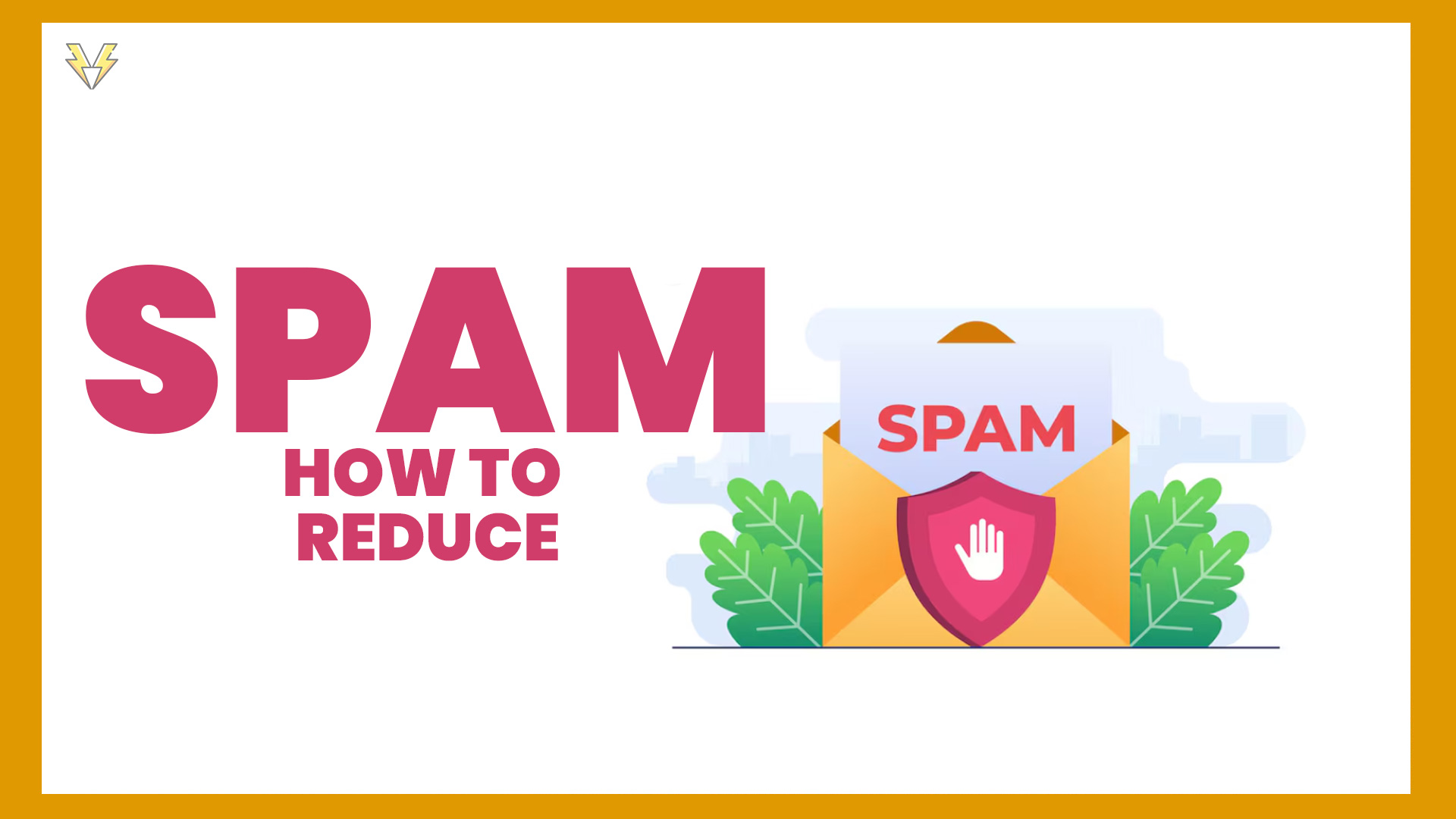
Spam form submissions are one of the biggest headaches for WordPress website owners. Every day, bots fill out your contact forms with fake names, links, and random text — wasting your time and clogging your inbox. If you are searching for how to stop spam from WordPress contact forms, you are in the right place.
In this guide, we’ll show you the most effective ways to reduce contact form spam in 2025 and fix WordPress contact form spam and WordPress form spam problems — with practical tips you can apply right now.
🚫 1. Add Google reCAPTCHA v3 or hCaptcha
Bots struggle with human verification tests — that’s why CAPTCHA remains one of the most effective anti-spam solutions.
Modern plugins (like VPSUForm) allow you to enable Google reCAPTCHA v3 or hCaptcha with just a few clicks.
🧩 Tip: reCAPTCHA v3 works silently in the background, so users don’t need to click “I’m not a robot.”
🕵️ 2. Use Honeypot Fields (Invisible Trap for Bots)
A “honeypot” is a hidden input field added to your form that real users can’t see — but bots try to fill it.
When VPSUForm detects data in this field, it knows the submission came from a bot and blocks it automatically.
✅ This is a great option if you don’t want to show CAPTCHA challenges to users.
🧰 3. Enable Email Verification or Double Opt-In
If your form allows newsletter subscriptions or user sign-ups, enable email confirmation links.
This ensures that only real users (with real inboxes) complete the submission process.
🧾 4. Limit Submissions per IP Address
Bots often hit your form multiple times per minute.
You can set a submission limit per IP using VPSUForm’s built-in rate limiter, so spammers can’t flood your database.
🔐 5. Avoid Publishing Email Addresses on Your Site
Posting your email publicly invites spam bots to harvest it.
Instead, always use a contact form with secure backend submission (like VPSUForm’s AJAX-based form handler).
🚀 6. Keep Your Plugin and WordPress Updated
Outdated form plugins often have security loopholes.
Regularly update WordPress core, themes, and plugins to keep your site secure from automated scripts.
📝 Spam in WP User Frontend Forms
If you use WP User Frontend to build front-end forms and see wp user frontend contact form spam, the same rules apply. Turn on a CAPTCHA option in the plugin settings if one is available, add a honeypot or a simple anti-spam question, require email confirmation for sign-ups, and review your form permissions so that only the users you intend can submit. If spam keeps coming through, consider moving to a form plugin with built-in spam protection.
📊 Quick Checklist: Stop Contact Form Spam in WordPress
- Enable reCAPTCHA v3 or hCaptcha
- Add a honeypot field
- Limit submissions per IP address
- Use email verification for sign-ups
- Keep your email address off public pages
- Update WordPress, themes, and plugins
🎯 Final Thoughts
Fighting spam isn’t about one solution — it’s about combining multiple layers of protection. No method blocks everything, but together they greatly reduce contact form spam in WordPress.
With VPSUForm, you get built-in anti-spam tools like reCAPTCHA, honeypots, and submission limits — all designed to make your contact forms secure and reliable.
🛡️ Try VPSUForm today and experience a spam-free, professional contact form system for your WordPress website.